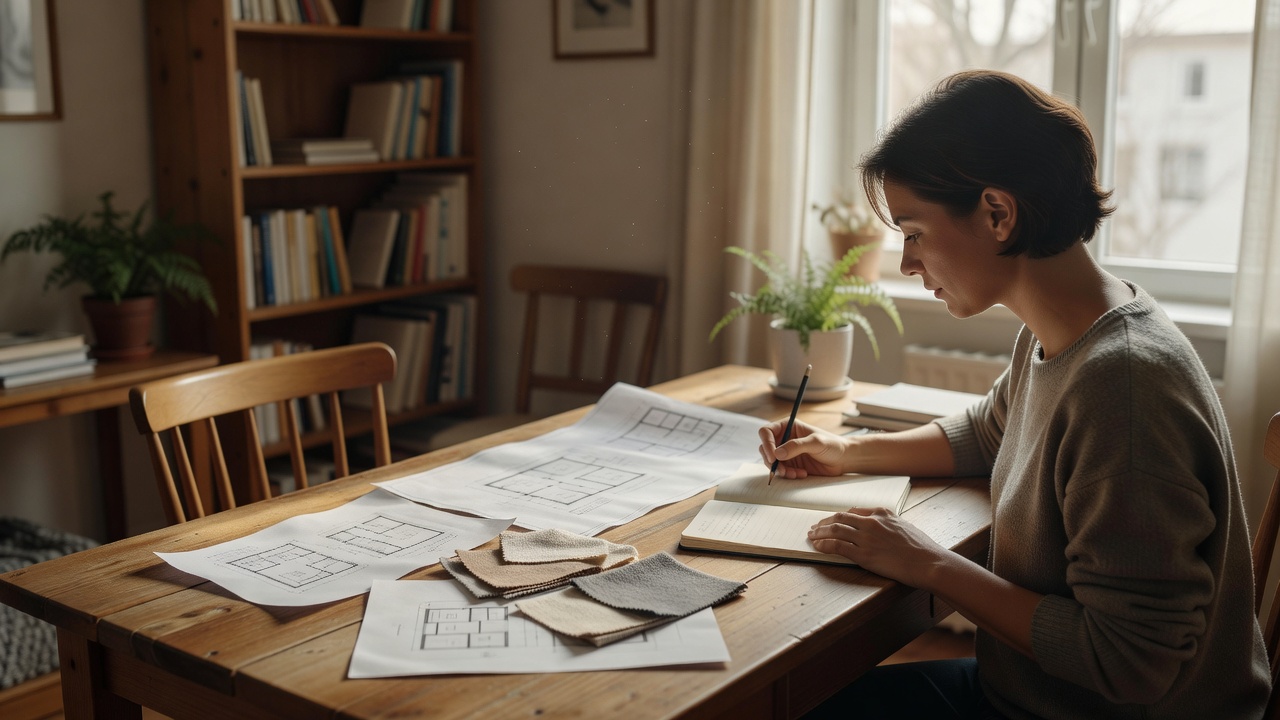
Choose the task before the tool
“AI lighting design” can mean very different things. A conversational model can help organise requirements and compare arrangements. An image generator can explore visual atmosphere. A calculation application may use room geometry and luminaire files to estimate lighting performance. Some products combine these functions, but the presence of AI does not make them equivalent.
Decide which output you need: a list of questions, a concept arrangement, a visual reference or a calculation report. Ask what inputs the chosen tool actually uses. If it accepts only a photograph and a style label, do not assume it has measured your room, identified real products or calculated illuminance. Treat its result as a starting conversation.
Build a small, structured evidence pack
Record room length, width and ceiling height with consistent units. Mark doors, windows, fixed cabinetry and the main furniture positions. A rough plan is helpful if its scale and uncertainty are explicit. If you measured the floor but estimated the ceiling, label those differently. Apparent precision is not a substitute for reliable geometry.
Add activities, daylight observations, surface descriptions and existing lighting positions. List constraints separately: a rented home, no new ceiling points, a preference for replaceable lamps or a need for accessible controls. Budget information should describe scope as well as a limit. A tool cannot sensibly compare a portable-lamp adjustment with a rewired ceiling scheme if you have not said which is possible.
Use photographs without asking them to measure
Take views from more than one corner and include the main task locations. A photograph can reveal furniture relationships, visible obstructions and the character of finishes. It cannot reliably establish reflectance, absolute brightness or every dimension. Automatic exposure and image processing can make a dark corner look lighter than it feels in person.
Avoid drawing conclusions from an image’s white balance. The apparent warmth of a room may reflect camera processing rather than the installed lamps. Note whether lights were on, when the photograph was taken and whether blinds were open. If you use a reference object for scale, still provide measured dimensions rather than asking the model to infer everything from perspective.
Keep personal information out of the pack
Remove letters, screens, family photographs and visible addresses before uploading interior images to another service. Check reflections in mirrors and windows. Image files can also contain metadata; review export settings where practical. Obtain permission before sharing another person’s home or identifiable image, particularly where a client project is involved.
Read the provider’s retention, training and deletion policies. A paid subscription does not automatically mean uploaded material is excluded from model training. In the European Union, the General Data Protection Regulation, GDPR, is a relevant privacy framework, and the European Data Protection Board publishes guidance. That does not mean every upload is prohibited; it means responsibilities depend on context and should not be ignored.
Ask for an auditable answer
Request a structured response with four parts: the proposed arrangement, the reason for each source, the assumptions and the checks still required. Ask the model not to invent product specifications, standards clauses or measurement results. When it cites a document, verify the actual title, edition and scope through the responsible publisher or standards body.
Photometric data is a useful example of why inputs matter. IES LM-63 describes a format for transferring luminaire photometric data; EULUMDAT files commonly use the .ldt extension. A model merely mentioning these formats has not performed a calculation. Tools such as DIALux evo and RELUX can support lighting calculation workflows, but their results still depend on correct geometry, suitable files and informed interpretation.
Use a bounded prompt, then revise one variable
Try this request: “Using my room notes, propose two conceptual lighting arrangements. Keep the existing ceiling point. Explain support for reading and screen use. Identify possible glare, unknown dimensions and missing product data. Do not claim compliance or invent lux values.” The wording makes the expected limits visible rather than rewarding a confident-looking answer.
Compare revisions by changing one major condition at a time. Move the desk, add a curtain assumption or prioritise portable fittings, then ask what changes and why. Save the assumptions beside the output. This makes it easier to distinguish genuine reasoning from a newly styled image. The final brief should remain understandable without access to the original conversation.